How to Reset ADP Password if Forgotten

It may be convenient to have all the information you need at your fingertips, but that convenience is partnered with the grueling task of keeping track of the passwords that protect that information. Every device, account, and platform has unique password requirements which makes remembering them all impossible. The team at TeamPassword understands the need to have unique strong passwords for every account and doesn't think you should have to have that information memorized.
TeamPassword is here to teach you how to reset your ADP password and avoid having to do it again. Keep reading for helpful tips on creating secure passwords and managing them too.
TeamPassword is not associated with ADP and cannot reset your ADP password for you.
Table of Contents
Reset Your Password
This is a step-by-step guide for changing your ADP password.
1. Go To Login URL
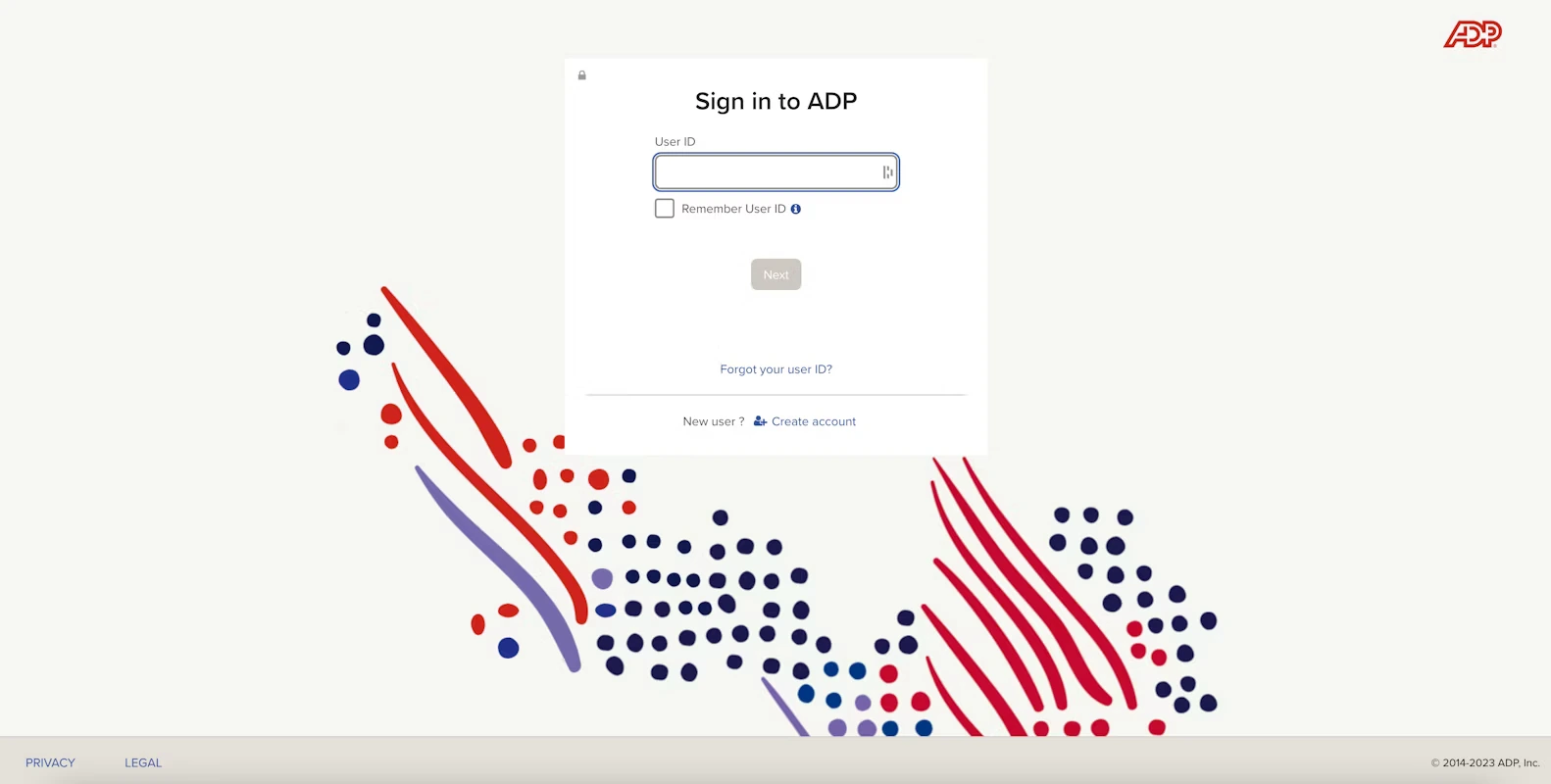
Note: ADP occasionally updates the visual design of the login pagBegin by finding the authentic ADP login page.
Be sure the URL reads adp.com.
If you're unsure where to go to login to ADP, use their Sign-in help flow to guide you: https://signin.adp.com/
2. Enter Your User ID
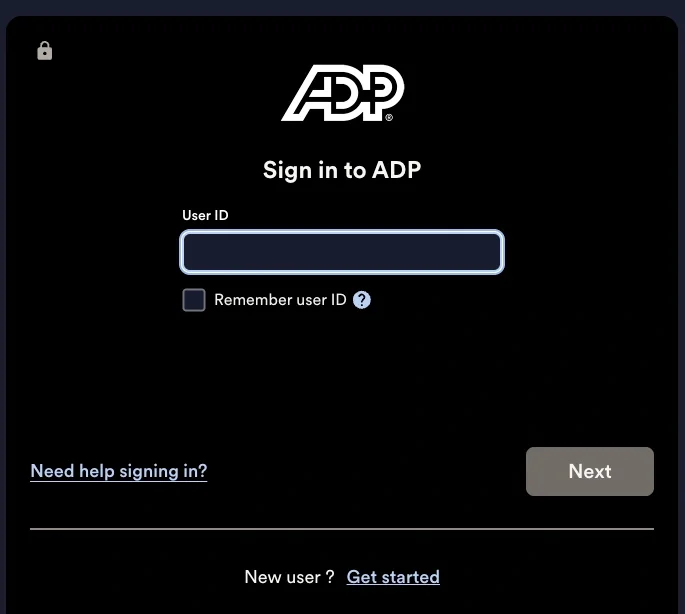
Enter your User ID while being conscious of capital letters and typos. Then click next.
Forgot User ID?
If you also forgot your User ID then click "Forgot your user ID?" and follow the prompts on the webpage. This will take you to a page that will ask you for more personal information to retrieve your account so be sure you are on the authentic ADP website.
3. Answer Security Questions
Once you've hit next on the User ID page there will be an option to select forgot password. Clicking this option will take you to your security questions. Follow the prompts provided and answer the security questions on the screen.
Tips for Security Questions
Choosing security questions can be tricky, especially ones that you will remember. Here are TeamPassword's tips for mastering security questions:
- Keep it simple
- Pick something that won't change over time
- Choose questions not many people know the answer to
4. Enter Your New Password
Once you have completed the security questions you will be directed to choose a new password. Once completed you will be able to access your account again.
Creating a Secure Password
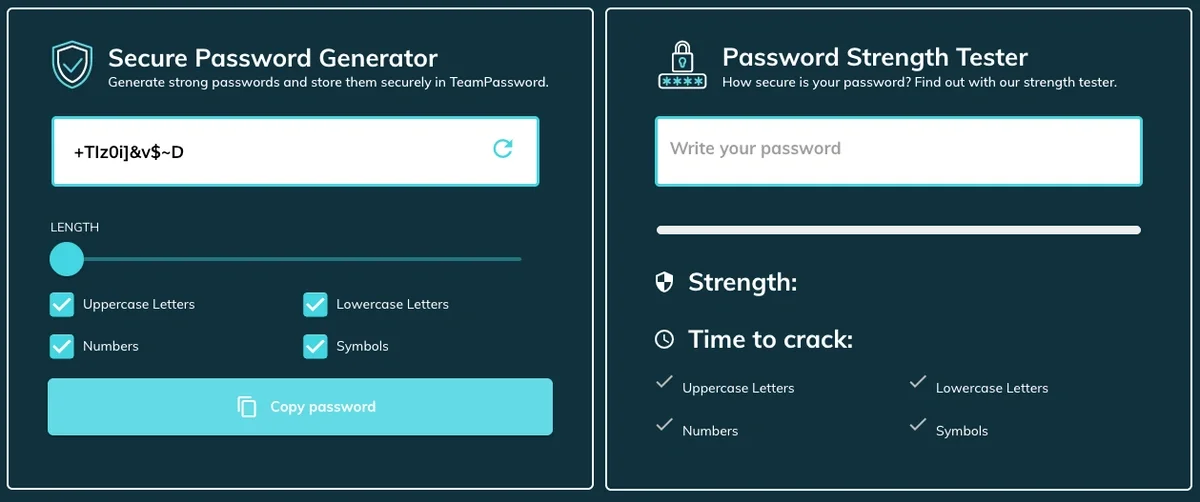
Choosing a new password can be daunting. TeamPassword can help with this password generator. Here are the main elements to keep in mind:
- It should be at least 12 characters
- Make sure to include at least 1 symbol
- Use upper and lower case letters
- Be sure the password isn't easy to guess
- Your passwords should never contain personal info
Related Reading: Password Best Practices
Never Forget a Password Again by Using a Password Manager
You shouldn't rely on your brain to store all of the passwords that you use. TeamPassword is here to do that for you. This easy-to-use password manager keeps things simple while still providing highly beneficial features.
Browser Extensions
TeamPassword has a browser extension. This means that when it is time to log into an account all you need to do is click the TeamPassword extension and your information will autofill.
This extension works with Chrome, Firefox, Edge and Safari.
Password Sharing
TeamPassword is great for small teams and families because it is incredibly simple to share your login credentials with those that need them. All you need to do is add members to your group and they will instantly have access to any records shared with that group. It is also easy to add and remove people as your access needs change.
Secure Password Generator
TeamPassword's secure password generator can automatically create strong unique passwords for you. Select the length and elements you need and TeamPassword will automatically generate an original password. You can then save the login to your TeamPassword account and copy and paste the password where you need it.
You can also use TeamPassword's Password Strength Test tool to test passwords you are already using. TeamPassword's Password Strength Test tool will rate the password you plug in. Then, tell you how long it would take for that password to be cracked.
Try TeamPassword Today
TeamPassword cannot help you reset your ADP password. Follow the above instructions or contact ADP directly.
No one wants to go through the headache of changing their password every time it slips their mind. Start your free trial of TeamPassword today, and use that brainpower for more important things.
Posts Recomendados
The 5 Best Enterprise Password Vaults (2026 Comparison)
Standard password tools fail at enterprise scale. Learn how to choose a password manager for security, compliance (SOC ...
How to Reset Justworks Password if Forgotten
Learn how to quickly reset your Justworks password and maximize your online security. Tired of memorizing passwords? Try ...
How to Reset a WordPress Password
Can't remember your WordPress password? Don't fret! Use this easy step-by-step guide to reset your WordPress password.
Fortaleça a segurança das suas senhas
O melhor software para gerar e gerenciar suas senhas corretamente.